Managing Product Variants in Storeino Without the Hassle
Last updated: September 2026
Quick answer
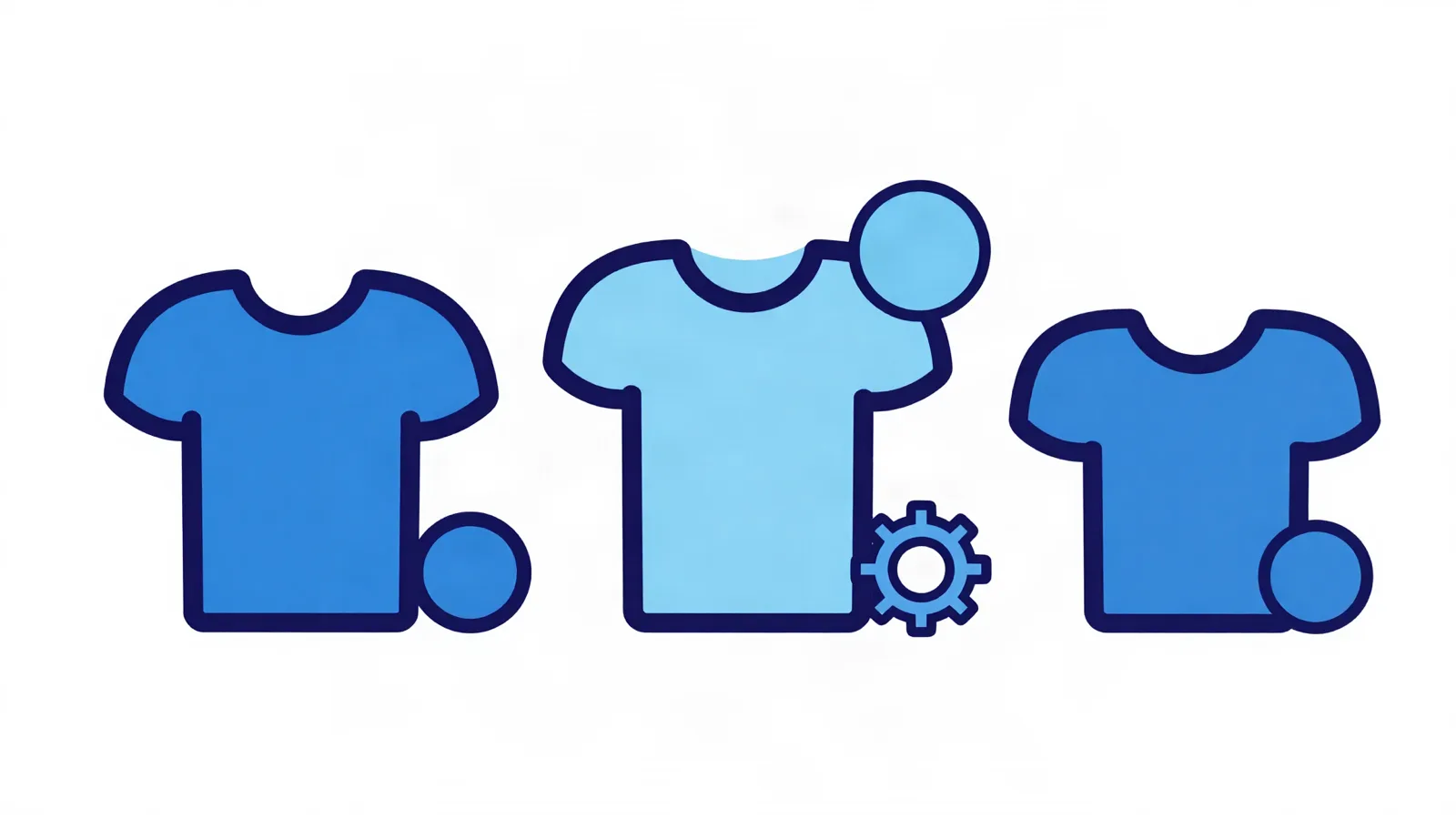
Storeino lets you import products with multiple sizes and colors in one file: set the product type to "variable", write the options in a simple format, and Storeino automatically builds the variant matrix with its own price and stock for each variant.
Manually managing a product with dozens of sizes and colors is exhausting for any merchant. Storeino solves this with a smart bulk import that understands variants and builds them for you automatically.
How to set up your import file
Set the "type" column to "variable" for any product with variants, and add one row per variant. Rows sharing the same product name are automatically grouped into a single product.
A simple options format
Write each variant's name as "Product | Option1 | Option2", like "T-shirt | Red | M", and add an "options" column formatted as "color: red, blue; size: S, M, L" — you only need to fill it in on the first row of each product.
Independent price and stock for every variant
Price and stock columns are read per row, so each variant keeps its own price and stock. If you drop the "options" column, Storeino automatically creates a single option from the variant names.
Frequently asked questions
Can I add variants manually without an import file?
Yes, you can add multiple options to any product directly from the dashboard — bulk import is more useful when handling a large number of products at once.
What if I forget the order of the option values?
Make sure the option values are in the same order on every row (for example, always color then size) so each value links to the correct option automatically.
Does each variant get its own SKU?
Yes, you can set an independent SKU for each variant via the variant.* columns in the import file.
Organize your variable products with ease
Import your sizes and colors in one go, with independent price and stock for each variant.
Online retail sales can be made directly to customers through mobile and web apps, as well as conversational commerce using chatbots, live chat, and voice assistants.
Ranking at the top of search results across the various search engines is one of the most important things you can start working toward in one way or another, and it is undoubtedly among the goals every website owner pursues. With Storeino, the road to mastering SEO becomes far easier than before, because topping the search rankings is one of the things we prioritize through the Storeino website and the Storeino app. So whether your free site built with us is brand new or looking to climb the search engines, we will help you rank at the top of search results in one way or another.
Upselling is one of the most influential factors in significantly raising sales rates and greatly increasing profits. Adding value to what you sell is one of the powerful methods that enables you to successfully sell any product regardless of its value, shape, or category. The way you present a product is one of the most important methods that always makes you fully confident in your buying and selling experience. You must have a strong grasp of the concepts of upselling, and this is what we will try to explain in detail throughout the article.
Welcome to storeino. In the following article, we'll walk you through a remarkable app that lets you import products from various platforms into your store easily.
E-Commerce is simply a large, descriptive abbreviation for electronic commerce over the internet. E-commerce is a modern, evolving form of the various kinds of trade — one that many people rely on, in one way or another, to earn their daily living, to start standing out smoothly, and to build wealth and great success by selling services online.
The pace of innovation and the methods and means of marketing today have become numerous and varied. Every day we discover the emergence of new and different marketing methods, including search engine optimization, video marketing, mobile analytics, and e-book marketing, and what's more, many of these methods did not even exist five years ago. Yet the one and only method that has continued to perform well year after year is email marketing.
Facebook is one of the largest social media platforms in terms of number of users, with more than one and a half billion active users on the site. This figure is enormous compared to other communication sites and networks such as Twitter and Instagram. This massive number of users has led marketers to turn their attention to marketing through the Facebook platform, and Facebook's administrators, in turn, have paved the way for marketers and made marketing through their platform easier by creating paid Facebook Ads.
The forms and methods of digital marketing have multiplied, and every day we are surprised by the emergence of a new approach that marketers turn to. After social media became a more integral part of our lives, a new type of marketing exploded onto the scene: influencer marketing. We now see prominent figures and celebrities across many fields—football, fitness, singing, and countless others—turning into role models and stars on the various social media platforms. Many users of these platforms have come to take advice and recommendations regarding decisions to buy a product, acquire a service, or choose a particular brand, as millions of consumers trust these influencers. This is what has made marketers pay attention to this segment of society, with it turning out that 86% of them have used influencer marketing over the past year.
Instagram is the second largest social media platform after Facebook, which is its parent company, with Instagram being one of its branches. This platform has long owed its fame, popularity, and reach to Facebook, and that popularity is also thanks to the smartphone. There are more than 850 million active monthly users on this platform, over 60 million photos are posted every day, and these posts receive more than 1.7 billion likes daily. The main reason behind Instagram's fame is the large number of influencers on the platform, which is a key driver in bringing large numbers of followers to celebrities.
The internet has become an inseparable part of our daily lives, and we now rely on it to handle our various affairs and needs. Among the examples mentioned earlier is shopping through your phone screen or your computer, buying what you need without the hassle of going out. You can also work online for a company remotely, or freelance by marketing your products or services through your website or online store.
If you have a website or store you want to market, you need to create a landing page in order to own a distinctive website.
If you want to gain a large number of customers and increase your sales rate, you must create a landing page. In this article, we'll walk you through creating a landing page on the Storeino platform and customizing its design professionally.
See why merchants choose Storeino over Salla: 0% commission on paid plans, wider ad integrations (including ChatGPT Ads), and more built-in apps with no hidden costs.
Storeino or Zid? Compare plans, commissions, payments, shipping and marketing tools from official sources, and who each fits. Try Storeino free for 14 days.
Compare Storeino and YouCan: a flat 0% commission on paid plans vs. a commission on every sale that adds up as you scale. See why Storeino is cheaper long-term.
Compare Storeino and Shopify: extra fees with third-party payment gateways, dollar-denominated plans, and limited COD and Arabic support. See why Storeino fits Arab merchants better.
Full control of your store, wherever you are. Track your sales, manage your orders, and stay in touch with your customers effortlessly. Everything you need to run your business in a single app.


 E-commerce